
Page 1
Moving Single Pages & Chapters
Pages and chapters can be moved directly to a new chapter or book. To move a chapter or page in this way, go to a page or chapter and select ‘Move’ in the actions list:
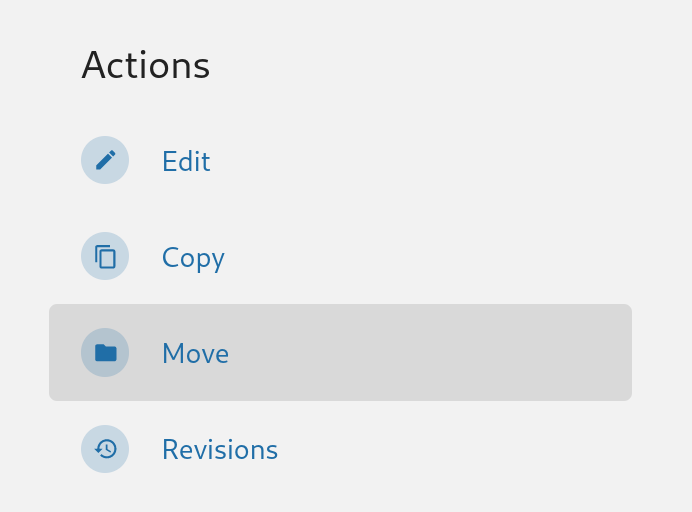
Clicking the ‘Move’ action will take you to a screen where you can select a new location for your chapter or page. Here you can search for a particular book or chapter using the search bar at the top of the selection screen. Once you select a new parent for your chapter or page press ‘Move Page’ or ‘Move Chapter’ and your chapter or page will be moved to the new chapter or book. If you move a chapter all child pages will remain in that chapter and any related activity will now show up under the new parent book.